• Order by 1:00pm (business days) for delivery on your next scheduled delivery day
  • Free delivery on orders $300.00 and above
  • Need help? Call us on 1300 331 753

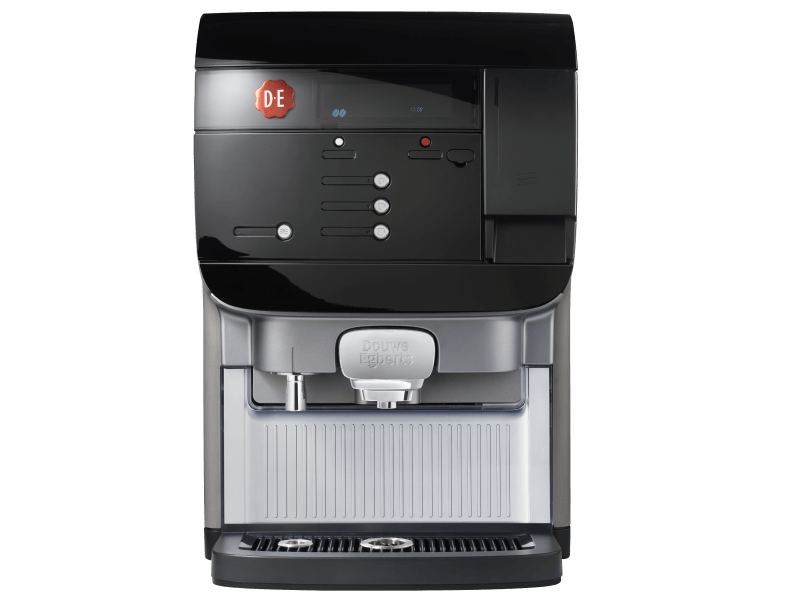
Cafitesse Excellence Compact Black

Cooling is too warm

30

Error code 30 indicates that there is a problem with the cooling temperature. The ambient temperature may be too high (30 °C or higher), preventing the cooling temperature from dropping below 3 °C. You can fix this in 6 steps.

This takes about 5 minutes to resolve.

Required items

  • Towel
altText

Continue on mobile?

Scan the QR code

1
7

CHECK THE AMBIENT TEMPERATURE
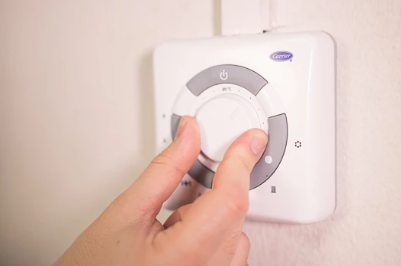
Your Cafitesse Excellence Compact Black must be placed in an environment where the temperature does not exceed 30 °C. Try to lower the ambient temperature — for example, by opening a window or turning on the air conditioning. Once the temperature has dropped, you can proceed to step 2.”
Image
Image instructions
Click to view

TURN OFF YOUR COFFEE MACHINE
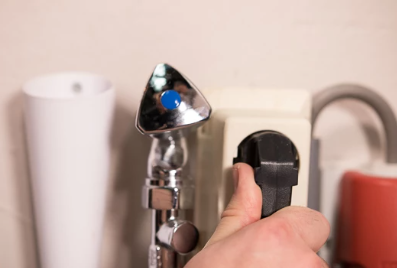
Because you need to open the ventilation grille, it’s smart to switch off the coffee machine. This is to prevent accidents. So unplug it from the power outlet.
Image
Image instructions
Click to view

REMOVE THE VENTILATION GRILLE AND THE FILTER
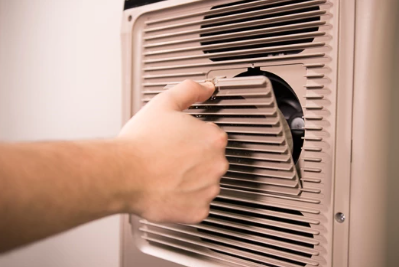
At the back of your Cafitesse Excellence Compact Black, there is a grille with a filter inside. Remove this from your coffee machine. You do this by pressing the tab downward and pulling it toward you.
Image
Image instructions
Click to view

CLEAN THE FILTER
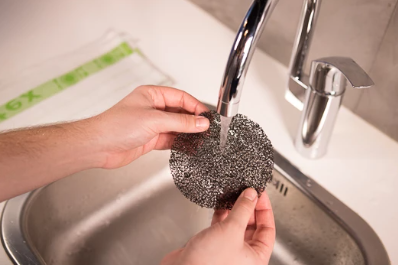
Rinse the filter under the tap and dry it thoroughly. Dry the filter with a clean, dry cloth. A paper towel can leave behind paper residues, which are difficult to remove. If there is also dust on the grille, you can clean it the same way as the filter.
Image
Image instructions
Click to view

PLACE THE GRILLE
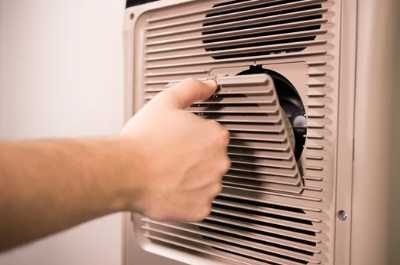
Place the grille, including the filter, back into the coffee machine. First insert the bottom of the grille, then push the tab upward to secure it completely. You will hear a click when the grille is correctly positioned.
Image
Image instructions
Click to view

RESTART YOUR COFFEE MACHINE
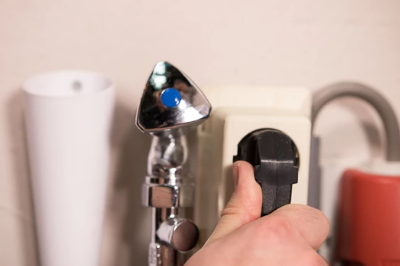
Plug the power cord into the socket. The Cafitesse Excellence Compact will now reboot.
Image
Image instructions
Click to view

Done

You have successfully reset the cooling temperature. Now you can enjoy delicious coffee again!Tip! To prevent error 30, it’s best to clean the ventilation grille and the filter every month.
Image